Subscribe:

Pages

Labels

Ads 468x60px

Social Icons

Blogroll

Blogger news

Blogger templates

Blogger news

Showing posts with label WINDOWS. Show all posts

Tuesday, August 21, 2012

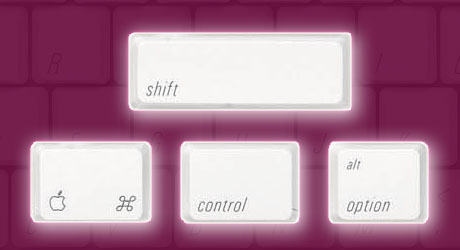
Keyboard Shortcuts For Windows 7

Using keyboard shortcuts helps us to get our work done faster, also it makes us look so cool in front of our friends. Here are the most Keyboard shortcuts using on Windows 7...

3 Advices To Take care of Your Computers


Eachone of us has a computer, must take care of it regularly. Therefore I'm going to give you 3 advices you can do may be daily or weekly to take care of your computer and to protect it. All that is just for keep your computers its best performance for a long time...

Friday, August 17, 2012

How To Create A Shortcut To Open Any Program On Windows

Creating a shortcut is an easy way to open any program if it is not on the desktop, instead of taking those steps: (Start --> All the Programs --> Lookin for the program in that list...) For it's better to use shortcuts to open all the wanted programs .


Thursday, August 2, 2012

How To Launch Any Web Page From Taskbar

Our trick today is simple and easy, but it really will help so much. If you want to launch any web page without clicking on any browser...

Wednesday, August 1, 2012

How To Change The Colors In The Command Prompt "CmD"
Are you tired of the black and white in the "Command Prompt" ?!... So you have only to watch our tutorial, it will teach you how you change the black..

Saturday, July 28, 2012

Give Your Desktop A Cool View Using This Trick

This tutorial will teach you a trick that will give your desktop a cool view.

How To Hide Your Folders Without Any Program In Windows 7

Hello Readers.. Today I've got for you a simple and easy tutorial that will help you to make your folders invisible and to keep it away from the hackers'...

How To View Your Computer Informations

In this simple tutorial I'll show an esy way for descover your system and computer information, and you can see also your hardware's features. so as the usual... watch the tutorial concentrically.